1–100 CPS
Adjust click speed, timing patterns and natural variation between clicks.
Set your click speed or record mouse and keyboard actions. Run them with a hotkey and save your setup in profiles.
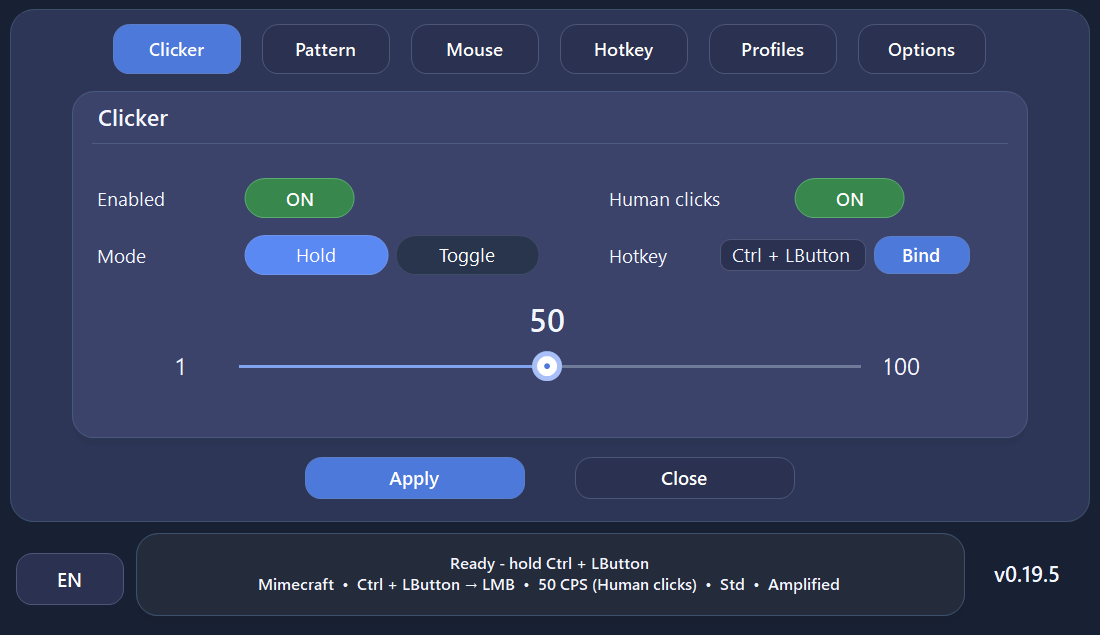
Clicks, action recording, hotkeys and profiles — every feature is free.
Adjust click speed, timing patterns and natural variation between clicks.
Record mouse and keyboard actions. Edit them in the Action Journal, set repeats and a start delay.
Use keys, mouse buttons and combinations from any window.
Add small timing variations and short pauses between clicks.
Save your settings and switch between ready-to-use profiles.
Keep automation focused on a selected application window.
Open a screenshot to zoom in and browse the gallery. On mobile, swipe through the preview cards.
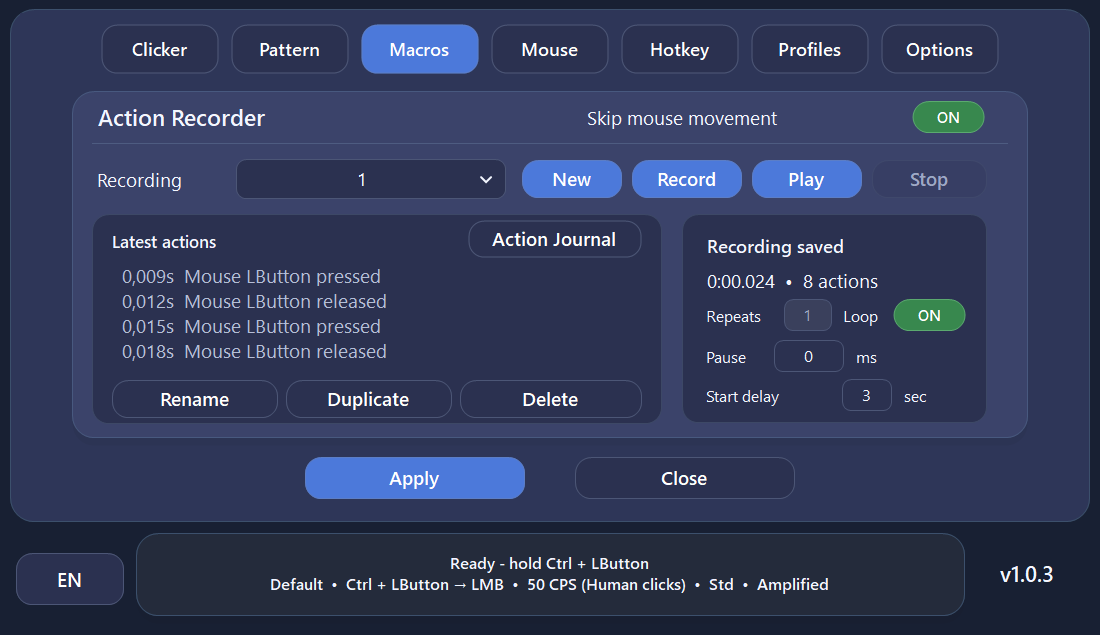 MacrosRecord, replay and edit mouse and keyboard actions.
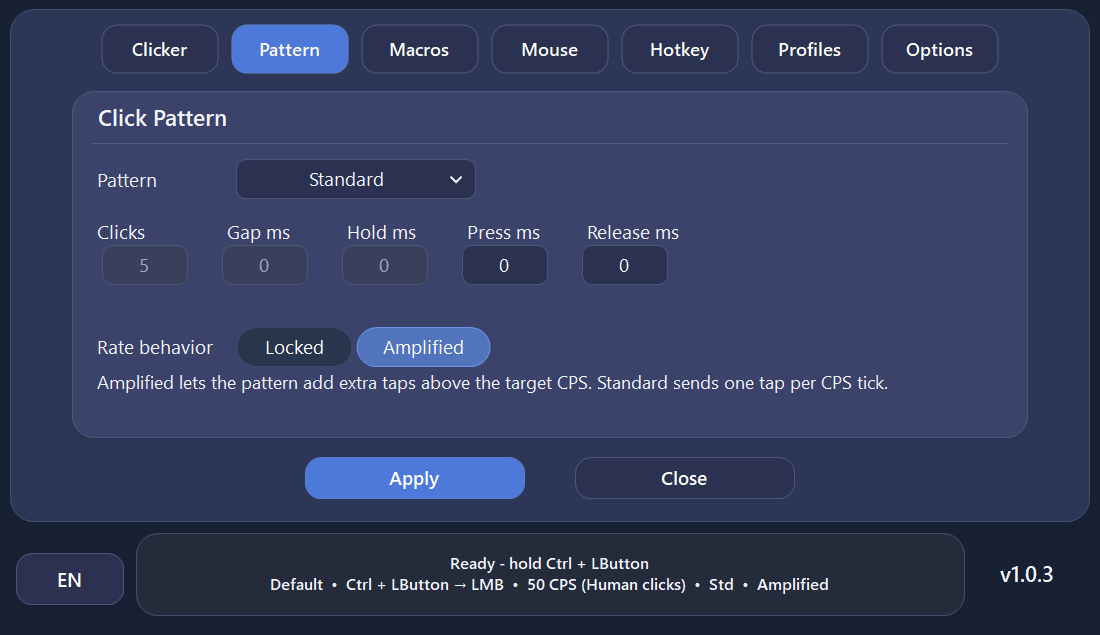 Click PatternsTune click timing and behavior.
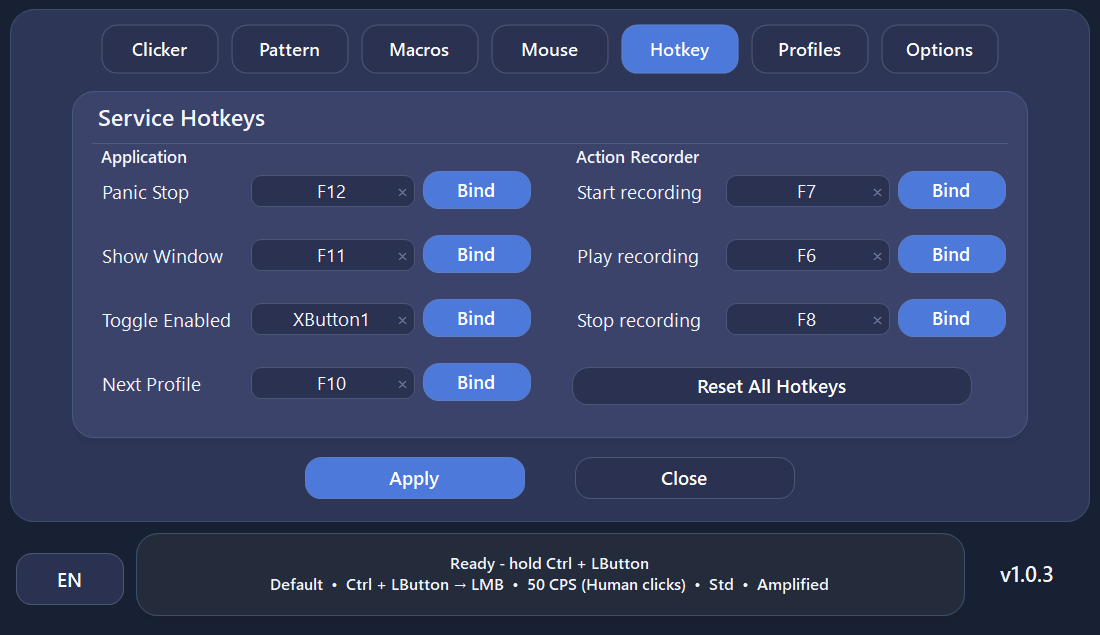 HotkeysClicker, profile and macro controls from anywhere.
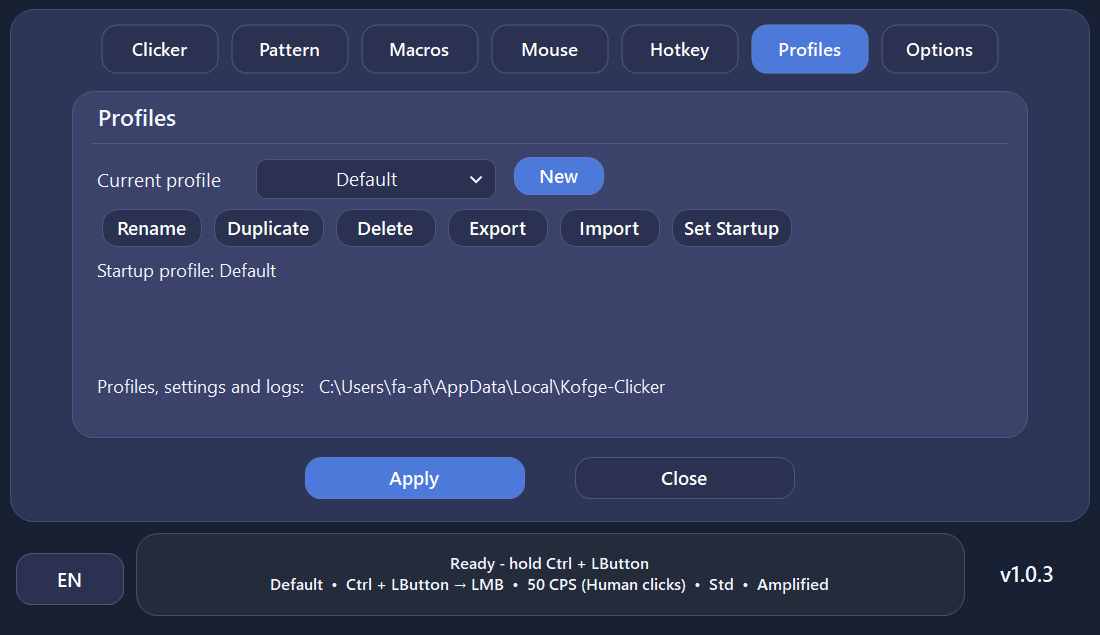 ProfilesSave and switch reusable configurations.
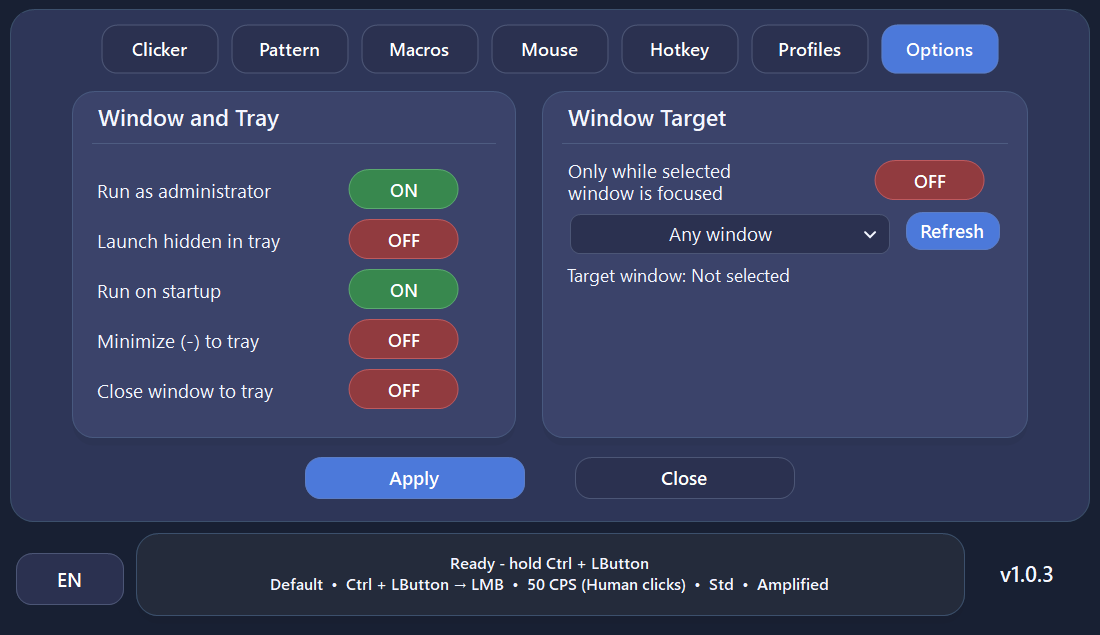 Window Targeting & OptionsRestrict automation to a selected application window.
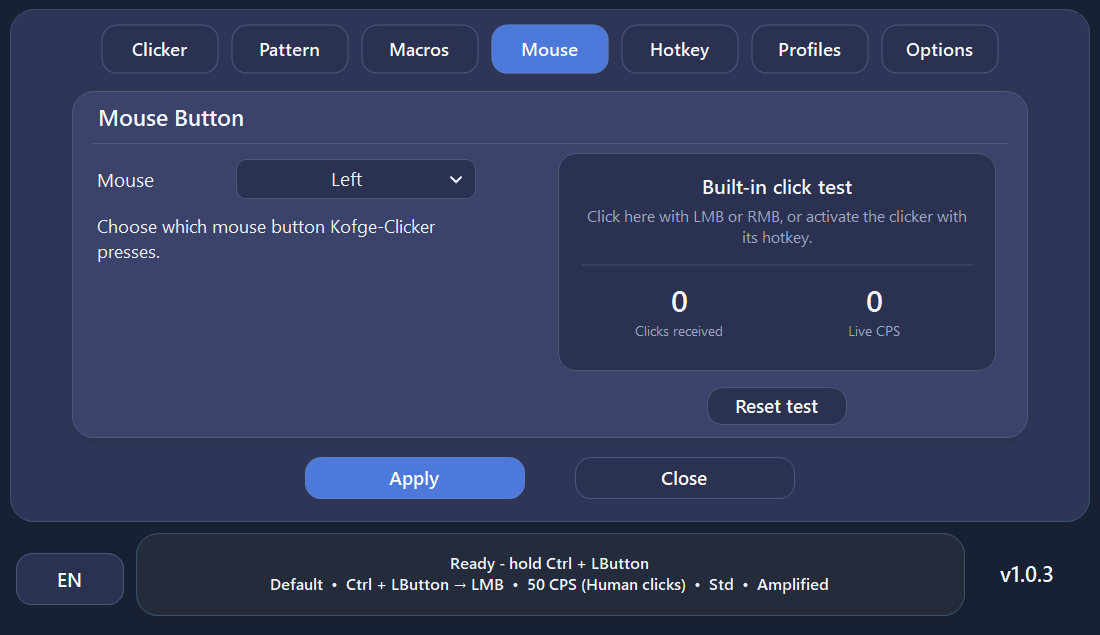 Mouse & Click TestChoose the click button and verify output with the live CPS test.
Download and open the EXE, then try this simple setup.
In the Clicker tab, select Bind, press F2 and choose Hold mode.
Set 15 CPS (clicks per second). Click Apply and turn Clicker state on.
Hold F2 to click and release it to stop. The default emergency exit hotkey is F12.
Every tab, macros, hotkeys, example configurations, updates and troubleshooting in one place.
Review the source on GitHub or build the application yourself.
The complete source is available on GitHub under the MIT License.
The updater checks file size, format, version and the GitHub SHA-256 hash when available.
Optional administrator mode provides compatibility with elevated applications.
Kofge-Clicker uses standard Windows low-level keyboard and mouse hooks so configured hotkeys can work while another application is focused. Generated input is marked so Kofge-Clicker can distinguish its own input from physical input and avoid triggering itself.
New or uncommon Windows executables may be shown as unrecognized by SmartScreen or receive extra browser checks while reputation is still being established. Always verify that your Kofge-Clicker download came from the official GitHub repository.
Yes. There is no paid tier, advertising, subscription or locked premium feature set.
No. Official releases are distributed as a portable, self-contained single-file Windows executable.
Applications running with elevated Windows privileges can require input tools to run at the same privilege level. Administrator mode is therefore available as an optional compatibility setting.
Yes. The full C# source is available on GitHub. The project targets .NET 8 for Windows and can be built with the .NET 8 SDK.
Use only the official Kofge1/Kofge-Clicker GitHub Releases page linked throughout this site.
Choose a private build made only for you, or sponsor a feature for the main free Kofge-Clicker release. Feasibility, price and timing are agreed before any paid work begins.
No GitHub account is required. Constructive feedback, bug reports and ideas help make Kofge-Clicker better.
Kofge-Clicker remains completely free and open source. If the project is useful to you, you can optionally support it. Donations do not unlock features or change access.
ERC20
TRC20
Please double-check the selected network before sending.
The latest stable release in one portable .exe, with no ads, subscriptions or paid feature limits.